What Factors Affect Mobile Network Coverage?
In the age of smartphones, video calls, online gaming, and remote work, having a reliable mobile network isn’t just a luxury—it’s a necessity. But have you ever wondered why your signal drops in certain places or why your friend has better coverage even when standing right next to you?
This article breaks down the key factors that affect network coverage and provides practical insights to help you make smarter decisions about your mobile provider and how to improve your signal.
What is Network Coverage?
Simply put, network coverage refers to the area where a mobile network can deliver its signal so that users can make calls, send texts, and use data. It’s represented by signal bars on your device—but those bars don’t tell the whole story.
Why Network Coverage Matters in Everyday Life
From attending Zoom meetings to using GPS for navigation, we rely on mobile networks for much of our daily activity. Poor coverage can lead to dropped calls, slow internet speeds, or complete disconnection—which is incredibly frustrating, especially during emergencies.
Top Factors That Affect Mobile Network Coverage
1. Distance from Cell Towers
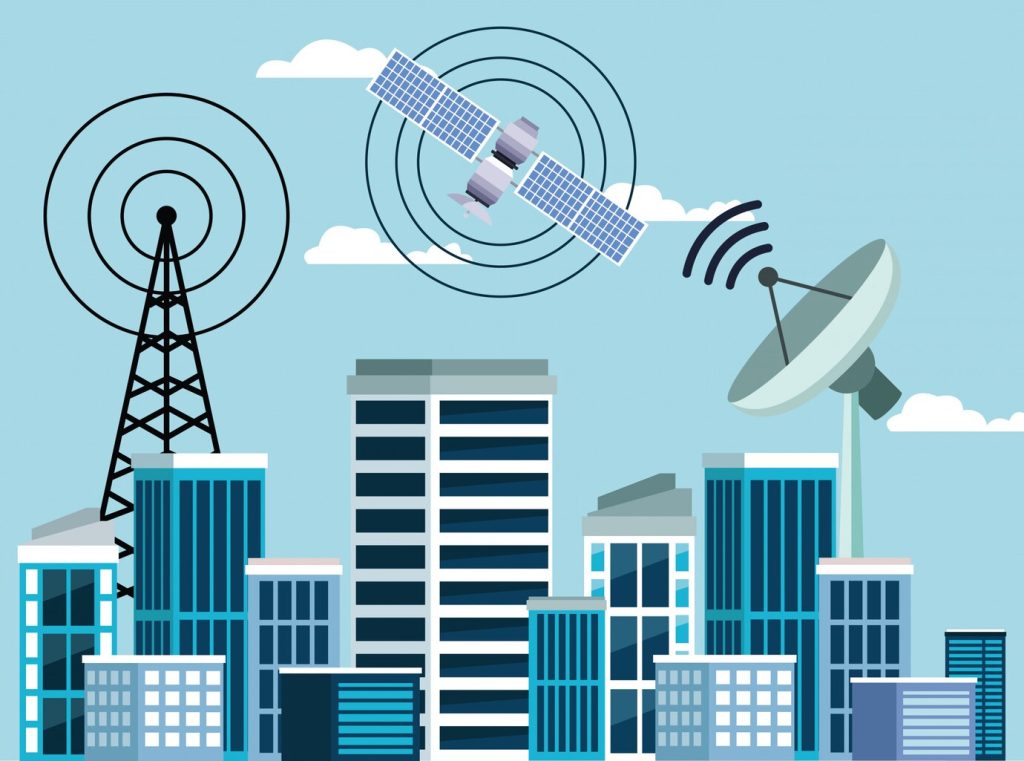
The farther you are from a cell tower, the weaker your signal. Cell towers transmit radio waves, and the strength decreases over distance, especially in areas with fewer towers like rural regions.
2. Physical Obstacles
Things like hills, buildings, and trees can block or reflect radio signals, degrading your connection. If you’re indoors, walls and windows (especially ones with metal) can act as barriers.
3. Network Congestion
Ever notice slower speeds at concerts or sports events? That’s because too many users are connected to the same tower, causing congestion. The more traffic on a network, the less bandwidth available for each user.
4. Carrier Infrastructure and Technology
Not all carriers invest equally in their networks. Some have better infrastructure in certain regions than others. To explore how different networks compare, visit this guide to network infrastructure and coverage.
5. Weather and Environmental Conditions
Yes, even weather can interfere with your signal! Heavy rain, snow, and lightning can affect the transmission of radio waves, although modern networks have become better at mitigating these effects.
How Buildings and Indoor Structures Impact Signal
Ever notice that your signal drops when entering an elevator or underground garage? That’s due to materials like concrete, steel, and low-E glass, which block or weaken cell signals. To address this, consider using one of the best devices to improve mobile network coverage in your home.
How Your Location (Urban vs. Rural) Plays a Role
Urban areas usually have more towers and infrastructure, offering stronger, faster signals. But dense buildings can cause interference. On the flip side, rural areas have fewer towers and broader coverage zones, leading to patchy signals.
Carrier Choice: The Backbone of Your Network Experience
Not all carriers are created equal. Each has its own network footprint and technology investments. So, coverage may vary drastically by region. If you’re moving or switching providers, check out which mobile network offers the best coverage in major U.S. cities.
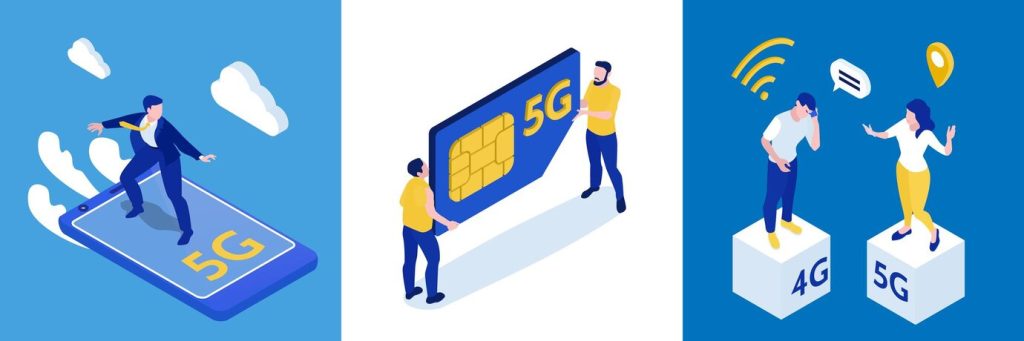
The Role of 5G in Improving Network Coverage
5G is changing the game for mobile connectivity, offering higher speeds, lower latency, and better capacity. But it’s important to understand how it works in your area. Read about the role of nationwide 5G coverage and how it may improve your experience.
Best U.S. Cities for Network Coverage
Living in a city with solid network infrastructure makes a big difference. If you’re planning a move or vacation, you might want to check this list of the best U.S. cities for network coverage to ensure uninterrupted access.
Understanding Network Coverage by Carrier
Each major carrier—Verizon, AT&T, T-Mobile—has strengths and weaknesses. Some dominate rural regions, while others shine in cities. It’s not just about who has the biggest network, but who has the best one where you are.
Top Devices to Boost Mobile Network Signal at Home
Signal Boosters
Wi-Fi Calling Routers
Network Extenders
These devices help you combat poor indoor reception. Learn more about the top-rated devices for boosting mobile signal indoors.
How to Check Network Coverage Before Switching Carriers
Before you make the switch, use:
- Carrier Coverage Maps
- Crowdsourced Apps like OpenSignal or RootMetrics
- Local user reviews
Knowing what works best in your zip code is essential.
Tips to Improve Your Mobile Network Experience
- Use Wi-Fi calling when indoors
- Restart your phone regularly
- Avoid using your phone in elevators or basements
- Invest in a mobile signal booster
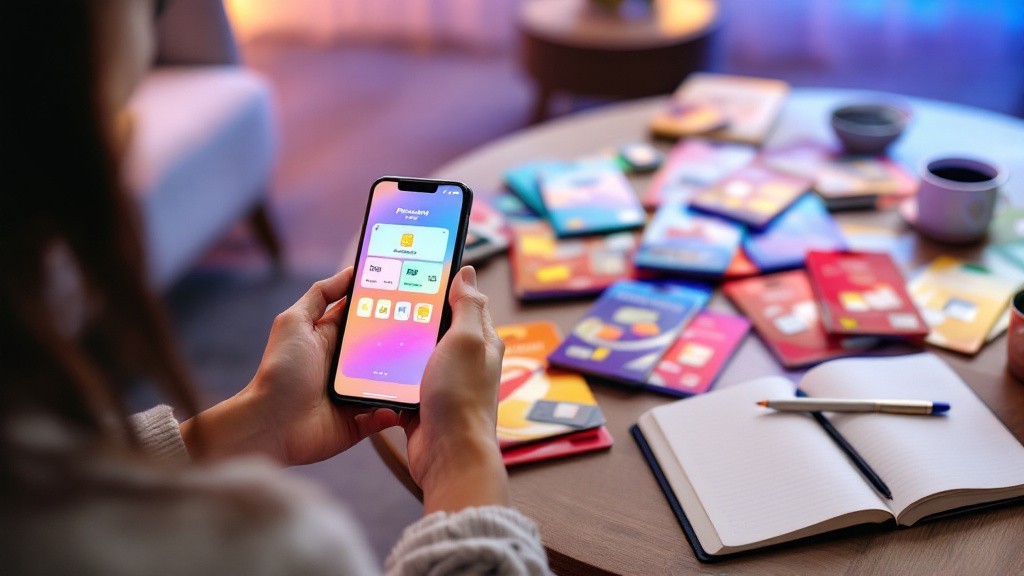
Choosing the Right Plan Based on Coverage Needs
Sometimes, it’s not just the phone or the location—it’s the plan. Some carriers offer better plans in rural areas, while others excel in urban ones. Evaluate your data usage, travel habits, and home location before committing.
Conclusion
Understanding what affect mobile network coverage helps you make smarter choices—whether you’re choosing a carrier, upgrading your device, or simply trying to improve your signal at home. By being aware of your surroundings, infrastructure, and options, you can enjoy more reliable, faster mobile service wherever you are.
👉 Want to experience the best in mobile coverage and devices?
Explore your options now with JNA Mobility!
What Factors Affect Mobile Network Coverage? Read More »