
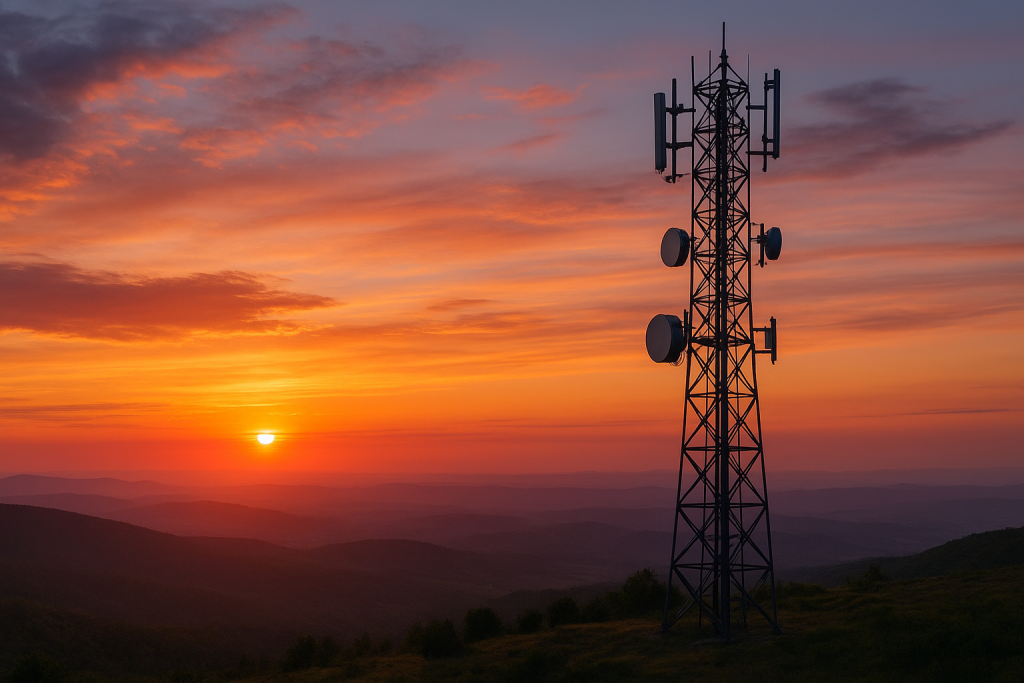
Why Your Phone Signal Isn’t Always Perfect — and What Really Affects Network Coverage
Let’s be honest — few things are more frustrating than watching your signal drop right when you need it most. Whether you’re trying to finish a work call, stream your favorite show, or send an important message, good network coverage has become something we all depend on.
And yet, despite the expansion of 5G and massive investments in infrastructure, we still encounter spots with weak or no signal. Why does that happen?
It turns out that network coverage is influenced by far more than just the number of towers around you. Geography, building materials, weather, and even user demand all play a part.
Let’s break down what really affects your mobile signal — and what can be done to improve it.
The Lay of the Land: How Geography Affects Your Signal
One of the biggest factors influencing network performance is geography. If you live on flat land, your phone signal likely stays strong and consistent. But in areas with mountains, hills, or deep valleys, things get tricky. These natural barriers can block or weaken radio waves, which causes signal drops or dead zones.
Forests and large bodies of water can also interfere with transmission. Trees absorb signals, while water can reflect them, which is why certain rural or coastal areas struggle with reception.
Urban and rural areas face very different challenges too. Cities typically enjoy better coverage because providers have more towers packed into a small space. In contrast, rural regions tend to have fewer towers, spaced far apart — making it harder to maintain strong coverage everywhere.
If you’re living or traveling in a rural area, it helps to explore reliable mobile plans designed for nationwide coverage. The right plan can make a big difference in how well your device stays connected when you’re off the beaten path.
What’s Behind the Signal: Infrastructure and Technology
Your phone doesn’t magically connect to the internet — it relies on a complex network of cell towers, antennas, and fiber connections. How that infrastructure is built and maintained directly affects your experience.
Cell Tower Density
The closer you are to a cell tower, the stronger your signal. But if towers are spread too far apart, you’ll experience weak spots. That’s why large cities usually have excellent coverage — there are simply more towers serving smaller areas.
Network Technology: 2G to 5G
Each generation of network technology has brought major improvements.
- 2G and 3G were great for calls and texts.
- 4G made streaming and browsing faster.
- 5G, now rolling out nationwide, offers dramatically faster speeds, lower latency, and the ability to connect more devices at once.
However, 5G signals travel shorter distances and have trouble penetrating walls, meaning more small towers (or “cells”) are needed to cover the same area. Learn more about how these technologies work in our detailed guide on how network coverage really works.
Fiber Optic Backhaul
Even with plenty of towers, good coverage depends on the connection between those towers and the wider network — known as the backhaul. Fiber optics provide the fastest and most reliable backhaul, ensuring your calls stay clear and your data flows smoothly.
Environmental Factors: Weather, Buildings, and More
Network coverage doesn’t exist in a vacuum — the environment around you plays a huge role.
Weather Conditions
Heavy rain, snow, and fog can interfere with signal transmission. Water droplets in the air absorb and scatter radio waves, particularly at higher frequencies used by modern networks. That’s why your signal sometimes dips during storms or harsh weather conditions.
Building Materials
Modern buildings are another common culprit. Thick concrete walls, metal structures, and even energy-efficient windows can all block or weaken signals. You may have great coverage outdoors, but once you step inside, the connection drops. That’s why many large facilities, like airports or shopping centers, use indoor antennas and distributed systems to boost signal strength inside.
Vegetation
Trees and dense foliage absorb radio waves, reducing signal strength. It might sound surprising, but even seasonal changes can make a difference — your reception can drop slightly in summer when trees are full of leaves.
Technical Details That Matter
Frequency Bands
Think of mobile networks like lanes on a highway.
- Low-frequency bands travel farther and can pass through obstacles easily, making them great for wide coverage.
- Mid-frequency bands offer a good balance between range and data speed.
- High-frequency bands deliver lightning-fast 5G speeds but cover shorter distances.
Providers use a mix of these frequencies to balance coverage and performance.
Signal Interference
Your phone’s signal might be strong, but interference can still cause problems. Wi-Fi routers, nearby electronic devices, and even other cell towers can interfere with signals. Providers use advanced algorithms to minimize this, but it’s an ongoing challenge — especially in crowded urban environments.
User Behavior and Demand
Coverage isn’t only about infrastructure — it’s also about how people use the network.
During peak hours, such as evenings or big live events, thousands of people might be streaming, gaming, or scrolling at once. The result? Network congestion. Even the strongest networks slow down when usage spikes.
Streaming in HD, using video conferencing apps, and online gaming all require large amounts of bandwidth. In high-demand areas, that can cause momentary drops in performance.
If you’re constantly on the go — driving, commuting, or traveling — your device has to switch between towers frequently. Each handoff between towers can momentarily weaken the connection, especially in areas with uneven tower spacing.
The Role of Regulation and Spectrum
Telecom networks operate under strict government regulation. Spectrum — the radio frequencies used to carry signals — is licensed and allocated by government agencies. The amount of spectrum available to each carrier determines how many users it can support and how far its coverage reaches.
Licensing costs, local zoning laws, and international coordination all shape how and where networks can operate. It’s a complex system that ensures your device can connect seamlessly whether you’re in your hometown or abroad.
How Providers Improve Coverage
Network providers are constantly working to improve coverage and reliability.
Small Cells and DAS
Small cells and distributed antenna systems (DAS) are mini base stations designed to enhance coverage in high-demand or hard-to-reach areas. They’re often installed in stadiums, campuses, and large indoor venues to fill coverage gaps and boost capacity.
Smart Network Planning
Using data and artificial intelligence, providers can analyze usage patterns to determine where new towers or upgrades are needed most. This helps ensure strong, consistent service for both urban and rural customers.
Advanced Antenna Technology
Modern antennas use technologies like MIMO (multiple-input multiple-output) and beamforming to send signals more efficiently and directly to devices. This improves both speed and reliability, even in crowded areas.
The Impact and Future of 5G
5G is transforming mobile networks worldwide. It brings faster speeds, lower latency, and the ability to handle more connected devices than ever before. For users, this means smoother video calls, faster downloads, and more reliable service — even in crowded places.
However, 5G also faces unique challenges. High-frequency signals don’t travel as far and have difficulty passing through walls or obstacles. To make 5G widely available, carriers must build more small towers and improve backhaul infrastructure.
Despite these hurdles, the future of 5G looks bright. As networks expand and technology matures, coverage will continue to improve, making dropped calls and buffering videos a thing of the past.
Final Thoughts
Network coverage isn’t just about cell towers — it’s the result of geography, weather, technology, and even human behavior working together. While some factors are beyond our control, providers are investing heavily in smarter infrastructure, advanced antenna systems, and broader 5G rollouts to deliver stronger and more consistent service.
So, the next time your phone shows one bar of signal, remember — there’s a complex system working behind the scenes to keep you connected. And with rapid advances in network technology, that connection is only going to get faster, smarter, and more reliable.
Why Your Phone Signal Isn’t Always Perfect — and What Really Affects Network Coverage Read More »
